


















Discover Sidea's new e-Commerce site.
Register, add the products to your shopping cart and complete your purchase directly on the site.
Follow these simple steps to complete the site registration and gain access to the new Sidea e-Commerce.
1 - LOG ON TO THE SITE

2-COMPLETE REGISTRATION
Find out more
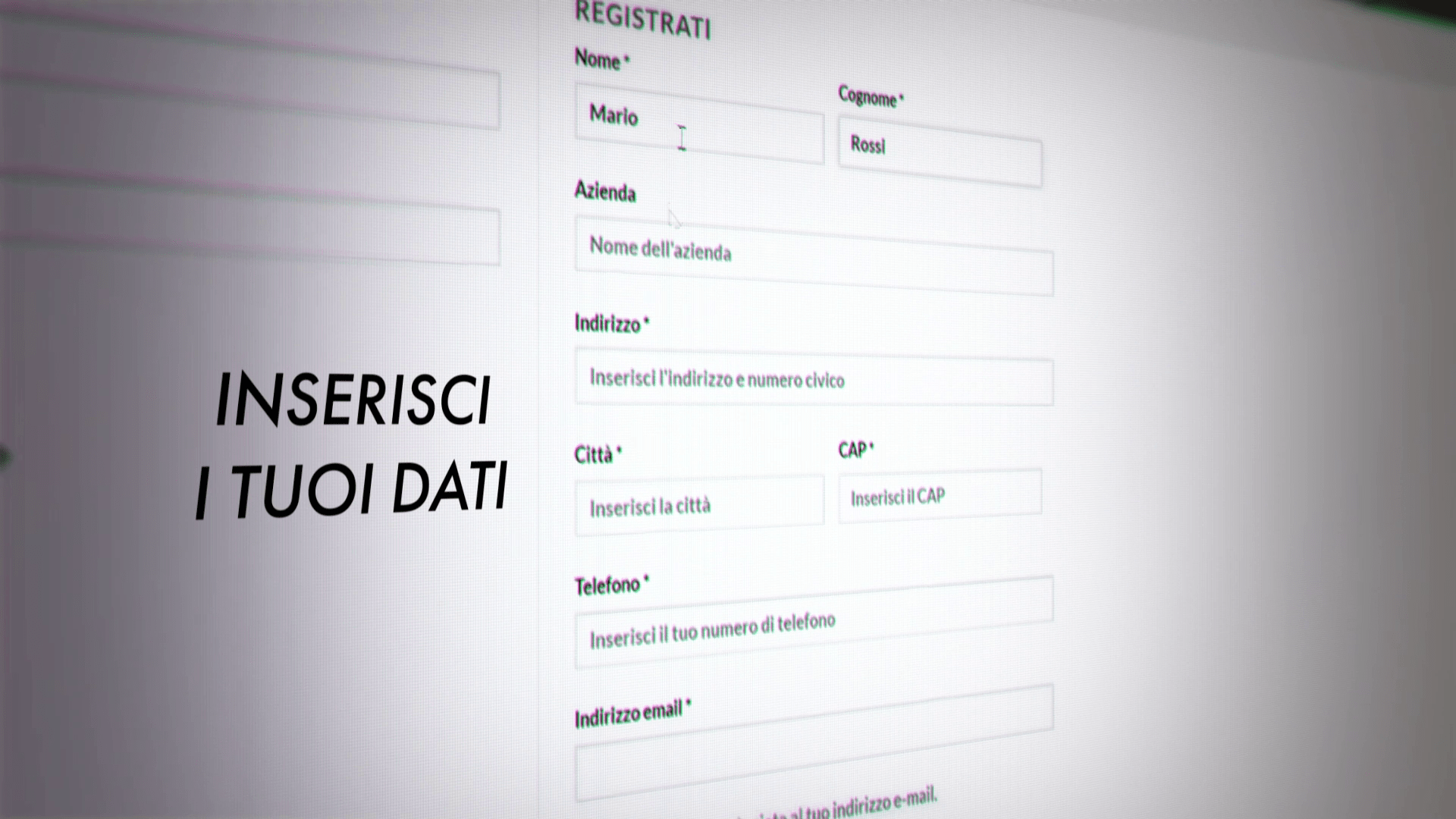
Enter the data required for registration on the site (First Name, Last Name, Company if applicable, Address, City, Postal Code, telephone number and e-mail address). You can consult our Privacy Policy a this link.
IMPORTANTchoose which user category you belong, or "Private Customer" o "Fitness professional" o "ASD - Amateur Sports Association". For "Fitness professional"We mean all those working in the fitness or sports world with a regularly active VAT number: gyms, personal trainers, specialists (physiotherapists, kinesiologists, nutritionists, etc.), sports teams or professional athletes.
If you belong to these categories, you will be asked for a VAT number valid, the Company name and the SDI Code or the PEC (Should you have neither, you may enter seven consecutive zeros, 0000000).
If you do not have a VAT number, but still represent a sports association, you can register as 'ASD": in this case you will only be asked for the Tax code of the association (i.e. numeric only, consisting of 11 digits).
If you do not belong to any of the above professional categories, you can regularly complete the registration as "Private Customer", by entering your Tax code personal alphanumeric code. Important: the tax code indicated must refer to the same person whose First Name and Surname are indicated in the registration).
In the absence of correctly completed invoicing data (i.e. regularly active VAT number in the Inland Revenue portal for Professionals, numeric Tax Code for ASDs and alphanumeric Tax Code for Private Customers), registration cannot be completed.
Once registration is complete, you will receive a confirmation of registration and one temporary password with which to log in to the site (the username is your e-mail address). As soon as you log in for the first time, we recommend that you change it to one that is easier to remember.
If, on the other hand, you registered as Fitness professional or ASDBefore you can access your profile, you will have to wait for our approval (following verification of the data provided), which will take place within a few working hours at most. Once you have received confirmation of your approval as a Professional by e-mail, you will be able to log in with the credentials you received at the time of registration and you will be able to purchase on the Sideaita.it websitealready applied to each product directly on the site.
3 - ADD PRODUCTS TO CART
Find out more

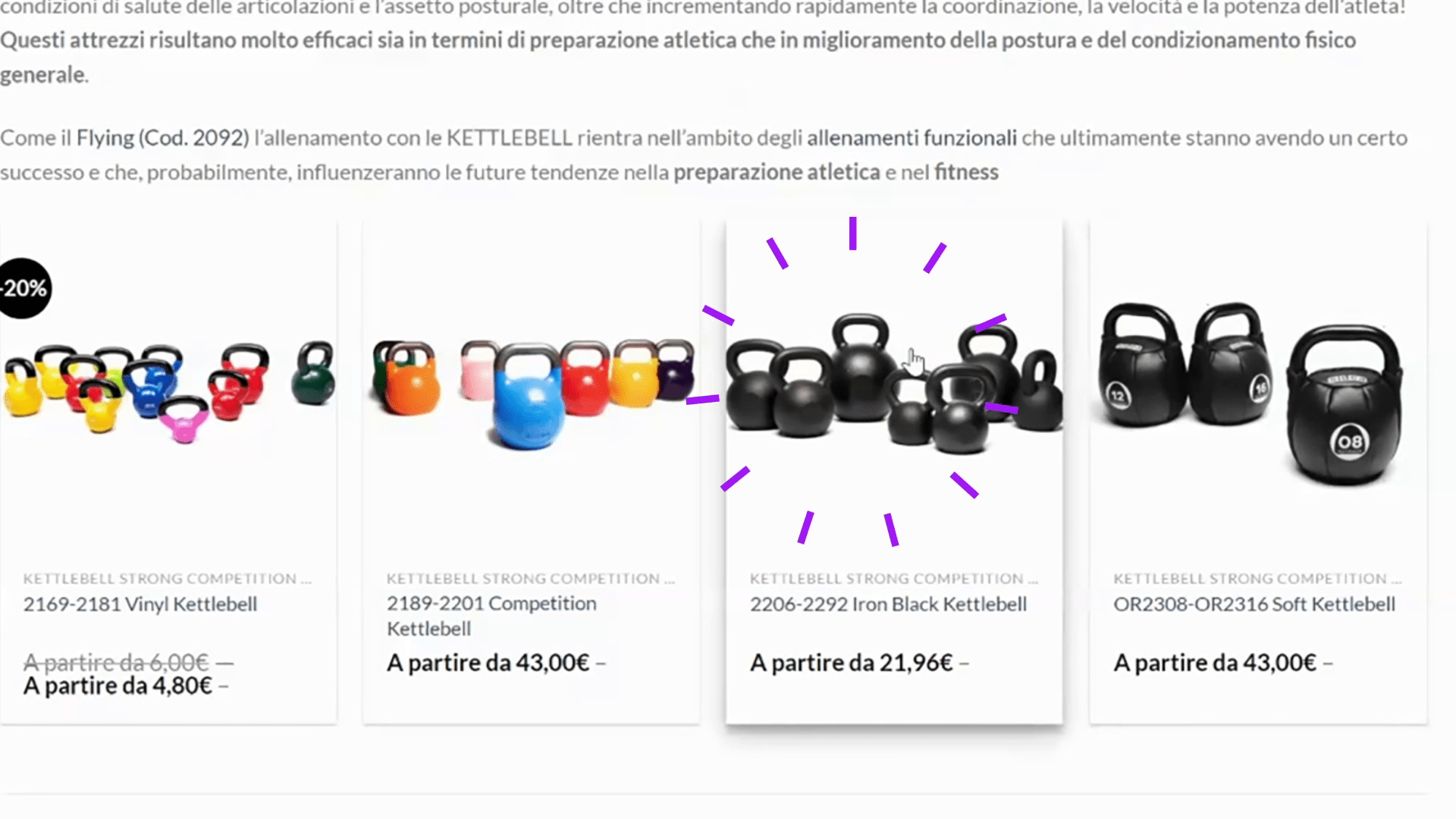
Once you have completed your registration, you can move freely around the site and add the products that interest you most to your shopping cart. In the "Products by Category"you will find a convenient division of our products by topics (e.g. "Barbells", "Handlebars", "Racks and structures"etc.). For add product to cart simply go to the relevant product page, select the weight or variant you are interested in, and click the 'Add to Cart' button.
If a product is not available for immediate delivery, it will be marked below the price as 'Out of stock" and instead of the add to cart button, there will be the "Notify me when available". By clicking on it, it will be possible to fill in a short form in order to be contacted by e-mail as soon as the product in question becomes available again from the site.
4 - CUSTOMISE YOUR ORDER
Find out more
Once you have added all the products in which you are interested to your shopping cart, you can start the purchase process. Clicking on the shopping cart symbol (located in the top right-hand bar in both desktop and mobile views) will open a side window with a summary of the products you have added. By clicking on the "View cart", you can go to change product quantities you have entered and, if necessary, remove the excess ones. Once you have completed this operation, you can select your preference at the level of transport: you can choose the home delivery with BRT courier or the Withdrawal in Sidea.
In the first case, transport costs are calculated automatically based on the total weight/volume developed by the order, applying BRT's rates, and the destination. There is no spending limit beyond which transport is free of charge.
In the second case transport costs will not be includedOnce your order is ready for collection, you will receive an e-mail notification and you can make an appointment to come and collect your order. at our premises in Gambettola (in the province of Forlì-Cesena), directly at the entrance to our warehouse in via Perticari 11.
Under the 'Proceed to order", you can then enter in the space provided any discount codes of which you may be in possession.

5 - PROCEED TO PAYMENT AND ORDER CONFIRMATION
Find out more
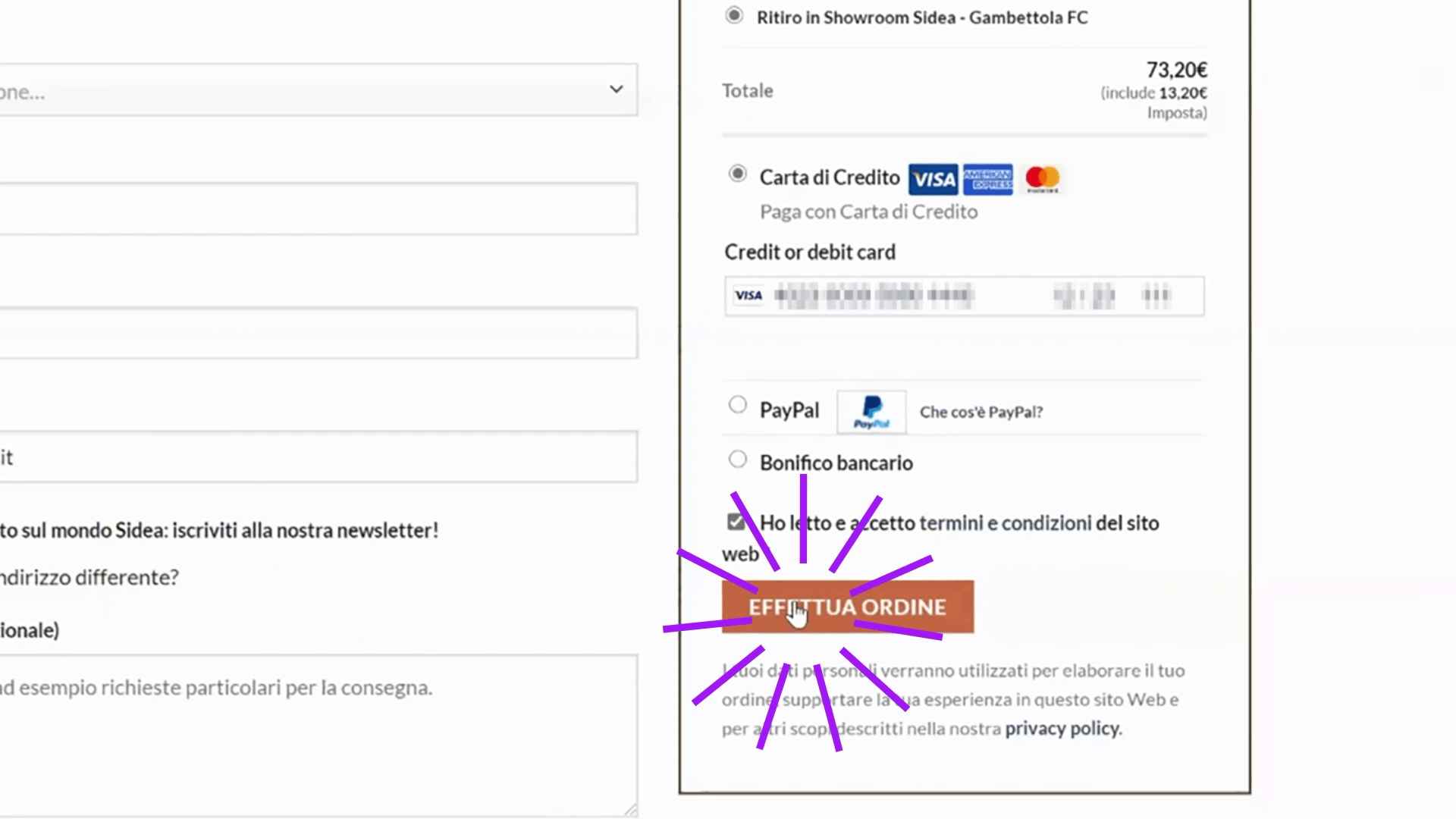
Once you have confirmed your basket, you can change billing and delivery data (already pre-filled on the basis of those provided at the time of registration) and select the preferred method of payment.
You can complete your order with payment by Paypal, Credit Card or Bank transfer in advance.
In the first case (payment by Credit Card) the charge will be immediate and you will receive an email summarising the order placed. The status of the orderwhich you can verify in the Orders' section in your account, will initially result in "ORDER ACCEPTED", and then moved on to "IN WORK" when we have processed it and passed it on to the warehouse to be prepared. Each order status change will be notified by an e-mail to the address provided.
In the case of payment by bank transfer in advance, once the order is confirmed you will be provided with our bank details either on the site (on the landing page immediately following confirmation) or by e-mail. The order status will be "AWAITING PAYMENT"until the payment is displayed in our home banking system and the order is processed and passed to the warehouse.
In all cases, once entrusted to BRT, the order status will change to "SHIPPED". From then on, the courier will deliver in a maximum of 2-3 working days.
For information on changes to already confirmed orders, cancellations or return procedures, please refer to this FAQ page.
You can also refer to the our Facebook chat (by clicking on the Messenger symbol always present on our site in the bottom right-hand corner) at any time to ask questions and concerns regarding this process, to request product information or updates on the status of an order already placed.
 Defibrillator AED
 Gift CardSidea
 Spare parts